
Napkin AI Review 2026: Pricing, Pros, Cons and Alternatives
Napkin's Free, Plus and Pro plans on monthly and yearly billing, how word-based AI credits and 100-credit slides run out, the 24 and 48 hour refund windows, and what a year costs next to Whimsical, Venngage, Beautiful.ai and Eraser.

Napkin AI is worth it in 2026 if you turn written text into diagrams every week: Plus costs $9 per person a month on yearly billing ($12 month to month) and removes the Napkin logo from exports. The Free plan is real and renews 500 AI credits a week, enough for light use, but it brands every visual. Prices were read on the Napkin pricing page on November 10, 2026.
Pro, at $22 a month yearly, triples the credits and adds your own fonts. Napkin's refund window is short and shuts the moment you spend a credit, so make the free tier your trial.
Key factsBest for: Writers, teachers and consultants who turn existing text…
- A text-to-visual generator that turns selected paragraphs into editable diagrams, charts and AI slides on a credit meter.
- Entry paid plan: Plus costs a quarter less per month on yearly billing than on monthly billing.
- Credit meter: A visual costs about 1 AI credit per word you select, and one AI-generated slide costs 100 credits.
- Free plan: The Free plan renews 500 AI credits every week, but every export carries the Napkin logo.
- Refund window: Refunds are possible only within 24 hours on monthly plans or 48 hours on yearly plans, and only if no credits were used.
Pros
- The free tier renews its AI credits every week, not once.
- Yearly Plus costs less than the median diagramming tool's cheapest paid plan.
- Manual edits and slide pictures never use credits.
Cons
- Every Free export carries the Napkin logo.
- Refunds end the moment a credit is spent after paying.
- Slides is still in beta.
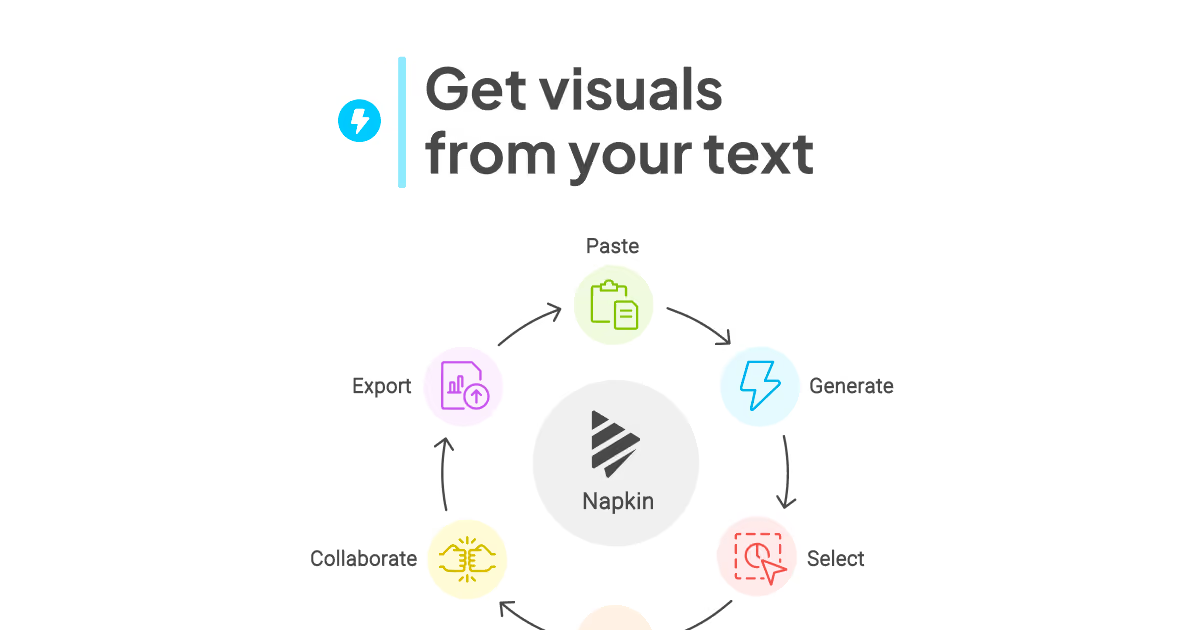
Napkin AI does one thing well: you paste a paragraph, select it, and it proposes flowcharts, mind maps, timelines and charts that say the same thing visually. The real cost question is the credit meter, not the sticker price, because generation is billed at roughly one credit per selected word and a full AI slide costs 100 credits.
Toolradar data: Toolradar, the software directory we run, tracks 57 diagramming tools as of November 9, 2026. 72% of them are free, freemium or open source, and the median cheapest paid plan across the 25 that publish a price is $10 a month. Napkin's yearly Plus price sits a dollar under that median, and it keeps an ongoing free tier.
This review covers what each plan includes, how fast credits run out on visuals and slides, the refund rules, and what one person and a five-person team pay in a year against Whimsical, Venngage, Beautiful.ai and Eraser. If you mainly need full decks, our best AI presentation makers ranking covers that field.
What is Napkin AI?
Napkin AI is a text-to-visual tool: it reads text you write or import (PPT, DOC, PDF, HTML or Markdown) and generates editable diagrams, infographics, mind maps, flowcharts and data charts from it. Every element stays editable, so you can change colors, icons, shapes and wording by hand without spending credits.
It now also sells Napkin Slides, an AI deck builder that is still labeled beta. Slides asks a few questions about your goal and audience, drafts an outline, then builds the deck and exports it as PPT, PDF, PNG or SVG. It is included on Free, Plus and Pro under one subscription, so there is no separate Slides plan to buy.
Developers get an API on every plan: send text, get back an SVG, PNG or PPT visual in one of 21 built-in styles or your own brand style, in more than 60 languages. It accepts text only, not files, and Napkin offers no MCP server for Claude, though Make and n8n connect to it. Napkin says it is SOC 2 Type II compliant and ISO 27001 certified.
How Napkin AI works
Credits run everything AI does. A visual costs about 1 credit per word of text you select, within a minimum and maximum per generation, so a 120-word paragraph costs roughly 120 credits each time you generate or regenerate it. A slide costs 100 credits, a Visual Effect can cost as much as a slide, and an agent request varies with the work, so heavy restyling drains a plan faster than first drafts. Manual edits are free, and so are the pictures Napkin generates for slides.
There is one generous exception. Your first presentation is free to generate while it is your only deck and has 20 slides or fewer. After that, Free users have 500 credits a week, about 5 AI slides, and paid plans reset monthly, including on yearly billing. Plan credits never roll over; top-up credits, sold to Pro users, never expire.
Billing is per person. Each member who accepts an invitation to a paid teamspace adds a seat, and the teamspace shares its credit pool. Cancelling keeps paid features until the period ends, and your content stays yours afterwards. If a renewal payment fails, Napkin retries up to 8 times over a month before moving the account to Free.
Refunds are narrow. The refund policy effective September 28, 2026 allows a refund only within 24 hours of a monthly purchase or 48 hours of a yearly one, and only if no credits were used. A fee of up to 10% may be deducted, and each account gets one refund in its lifetime.
Napkin AI key features
Napkin AI pricing
The Napkin pricing page, read on November 10, 2026, lists Free at $0, Plus at $9 per person a month on yearly billing or $12 on monthly billing, and Pro at $22 yearly or $30 monthly. Enterprise is quote-only. Napkin advertises 25% off for yearly billing, and it offers no student or nonprofit discount.
Those prices have held for well over a year. A June 2025 copy of the pricing page showed the same yearly Plus and Pro prices and the same credit allowances, and a December 2025 copy still matched. Since then Napkin has added Slides to every plan and premium image models to Plus without raising the price.
What the credits buy: Plus's 10,000 monthly credits cover about 100 AI slides or roughly 10,000 selected words of visuals; Pro's 30,000 cover about 300 slides. On yearly billing that works out to about 9 cents a slide on Plus and about 7 cents on Pro, and a Free account's 500 weekly credits add up to 26,000 a year, all our arithmetic from the credits help page.
One person, one year: Plus costs $108 paid yearly or $144 paid monthly, and Pro costs $264 or $360, our arithmetic. Whimsical Pro comes to $120 per editor a year on annual billing; Venngage Premium costs the same per month on yearly billing but exports PNG only; Beautiful.ai Pro is $14.50 a month billed annually, or $174. Eraser Business costs $45 per member a month billed annually, $540 a year, and targets engineering diagrams.
Five people, one year: five Napkin Plus seats cost $540 on yearly billing, against $600 for five Whimsical Pro editors and $2,400 for five Beautiful.ai Team seats at $40 per user a month billed annually, our arithmetic. Check the current price on Gamma's site for a deck-first option; our Gamma pricing guide breaks its plans down.
| Plan | Price | Best for |
|---|---|---|
| Napkin Free | $0 | 500 AI credits a week, unlimited PNG and PDF export, limited PPT and SVG export, Napkin logo on visuals |
| Napkin Plus | $9/person/mo billed yearly, $12 monthly | 10,000 AI credits a month per seat, premium image models, unlimited PPT and SVG export, 3 brand styles, no logo |
| Napkin Pro | $22/person/mo billed yearly, $30 monthly | 30,000 AI credits a month per seat, exclusive designs, unlimited custom branding, font upload, credit top-ups |
| Napkin Enterprise | Contact sales | Custom plan for large teams; customer data is not used to train Napkin's AI |
| Whimsical Pro | $10/editor/mo on annual billing | Unlimited board objects and doc blocks, no export watermark, 90-day version history |
| Venngage Premium | $10/mo on yearly billing | 160 daily AI credits, unlimited designs, PNG and high-res PNG export, private sharing |
| Venngage Business | $24/mo on yearly billing | 1,600 daily AI credits, PDF and PowerPoint export, brand kits, team sharing |
| Beautiful.ai Pro | $14.50/mo billed annually, $45 monthly | Unlimited AI content generation, 300+ Smart Slide layouts, PowerPoint import and export |
| Eraser Business | $45/member/mo billed annually, $60 monthly | 100 AI credits a month, unlimited files, one Git repo and one data source, private files |
Napkin AI pros and cons
What we like
- The free tier renews its AI credits every week, not once.
- Yearly Plus costs less than the median diagramming tool's cheapest paid plan.
- Manual edits and slide pictures never use credits.
What could be better
- Every Free export carries the Napkin logo.
- Refunds end the moment a credit is spent after paying.
- Slides is still in beta.
Who Napkin AI is for
Napkin fits people who already write the substance and need it shown: consultants turning a memo into a process diagram, teachers building lesson visuals, product managers explaining a workflow, and bloggers who want one clear chart per article. Its strength is that the text drives the visual, so the diagram stays faithful to what you wrote. Students on a budget can compare it with the tools in our AI tools for students list.
Stay on Free if you make a few visuals a week for internal notes, where the logo does not matter. Move to Plus the day a visual goes in front of a client or onto a public page, since that is the only way to drop the branding. Pro earns its higher price only for heavy Slides users or teams that need their own fonts; our Decktopus review covers a cheaper deck-first route.
Skip Napkin for whiteboarding with a team in real time, where Whimsical is built for it, or for architecture diagrams from code, where Eraser fits. Writers who also want AI drafting can price that in our Notion AI pricing guide. AI tool prices like these move every few months, and the AIpresso brief tracks the changes: subscribe free.
Best Napkin AI alternatives
If Napkin AI is not the right fit, these are the closest options.
| Tool | Best for | Starts at | |
|---|---|---|---|
| Napkin AI | Writers, teachers and consultants who turn existing text into diagrams and slides every week. | Free plan | Visit → |
| Whimsical | Product teams that whiteboard flowcharts, wireframes and docs together in real time. | Free plan · Pro $10/mo per seat on the annual plan · Business $20/mo p | Visit → |
| Venngage | Marketers who need template-based infographics, reports and branded one-pagers. | Free plan · Premium $19/mo · Business $49/mo per user | Visit → |
| Beautiful.ai | Presenters who want finished, auto-formatted decks rather than single diagrams. | Pro $14.50/mo per user · Team (3 users included) $40/mo · Team (3 user | Visit → |
| Eraser | Engineering teams drawing architecture and sequence diagrams from code and prompts. | Free plan · Business Plus $42/mo per member · Business $60/mo per memb | Visit → |


The bottom line
Napkin AI is worth paying for once your visuals leave the building: Plus on yearly billing removes the logo for less than the median diagramming tool's cheapest paid plan. Until then, the weekly free credits and the free first deck are enough to judge the output. Buy yearly only after you have spent a few weeks on Free, because the refund window is short and closes the moment you use a credit.
Toolradar profiles Napkin, Whimsical, Venngage, Beautiful.ai and Eraser. Dupple's own Napkin review looks at it for general AI-at-work readers. For decks, see Gamma vs Canva; for images inside your visuals, the best AI image generators; and for the text itself, the best AI writing tools.
Methodology: Napkin's plans, credit rules, refund policy and terms were read on its pricing page, help center, refund policy and terms of service on November 10, 2026, past prices on dated Wayback Machine copies of the pricing page, and rival prices on the Whimsical, Venngage, Beautiful.ai and Eraser pricing pages the same day. Yearly totals and per-slide costs are our arithmetic on list prices before tax. Dupple gives no star rating.
Cite this: AIpresso, "Napkin AI Review 2026: Pricing, Pros, Cons and Alternatives", November 2026.
Frequently asked questions
Is Napkin AI worth it in 2026, and what does it really cost?
Is Napkin AI free?
How do Napkin AI credits work?
Can I get a refund from Napkin AI?
Napkin AI vs Whimsical: which should I choose?
Sources
Prices and plan details come from each vendor's own pricing page, re-checked by the Toolradar pricing tracker.
- Beautiful.ai pricingchecked Sep 2026
Some offers on this page may be paid placements or contain affiliate links.
Get the AIpresso brief
Free daily newsletter, read in 5 minutes.
Subscribe free