
Speechify Review
What Speechify Premium costs on the web and in the App Store, what the free plan leaves out, and when ElevenReader, Voice Dream, NaturalReader or Edge's built-in reader does the job for less.

Speechify is worth it in 2026 only on the yearly plan, and only if you listen to long documents most days. Premium is $29 a month or $139 a year on the web, so paying monthly for a year costs $348, two and a half times the annual price. The free plan caps playback at 1.5x with 10 robotic voices and no scanning, summaries or dictation, which makes it a demo rather than a reader.
Premium unlocks 1,000+ natural voices in 60+ languages, 5x speed, Scan and Listen for paper, AI summaries and chat, voice typing and AI podcasts. If you only need a good voice on PDFs and articles, ElevenReader is free, Voice Dream Reader costs a few dollars a month in the App Store, and Microsoft Edge reads pages aloud at no cost.
Key factsBest for: Daily listeners who scan paper and switch between phone and…
- The most complete cross-platform reader, priced so that only the yearly plan makes sense.
- Free plan: Yes, 10 voices at up to 1.5x speed
- Premium yearly: About $11.58 a month on the web
- Speed ceiling: 5x on Premium
- Platforms: iOS, Android, Mac, Windows, Chrome, Edge
Pros
- Premium gives 1,000+ natural voices in 60+ languages at up to 5x, the widest voice and speed range among readers.
- Scan and Listen, cloud imports from Drive, Dropbox and OneDrive, and sync across iOS, Android, Mac, Windows and browsers.
- AI summaries, document chat, voice typing and AI podcasts come in the same subscription at no extra charge.
Cons
- Monthly billing costs $348 a year for what the annual plan sells at a 60 percent discount, the widest monthly-to-yearly gap in this comparison.
- The free plan stops at 1.5x with 10 robotic voices and no scanning, so it cannot stand in for a daily reader.
- The App Store listing shows several Premium prices at once, which makes the in-app purchase easy to get wrong.
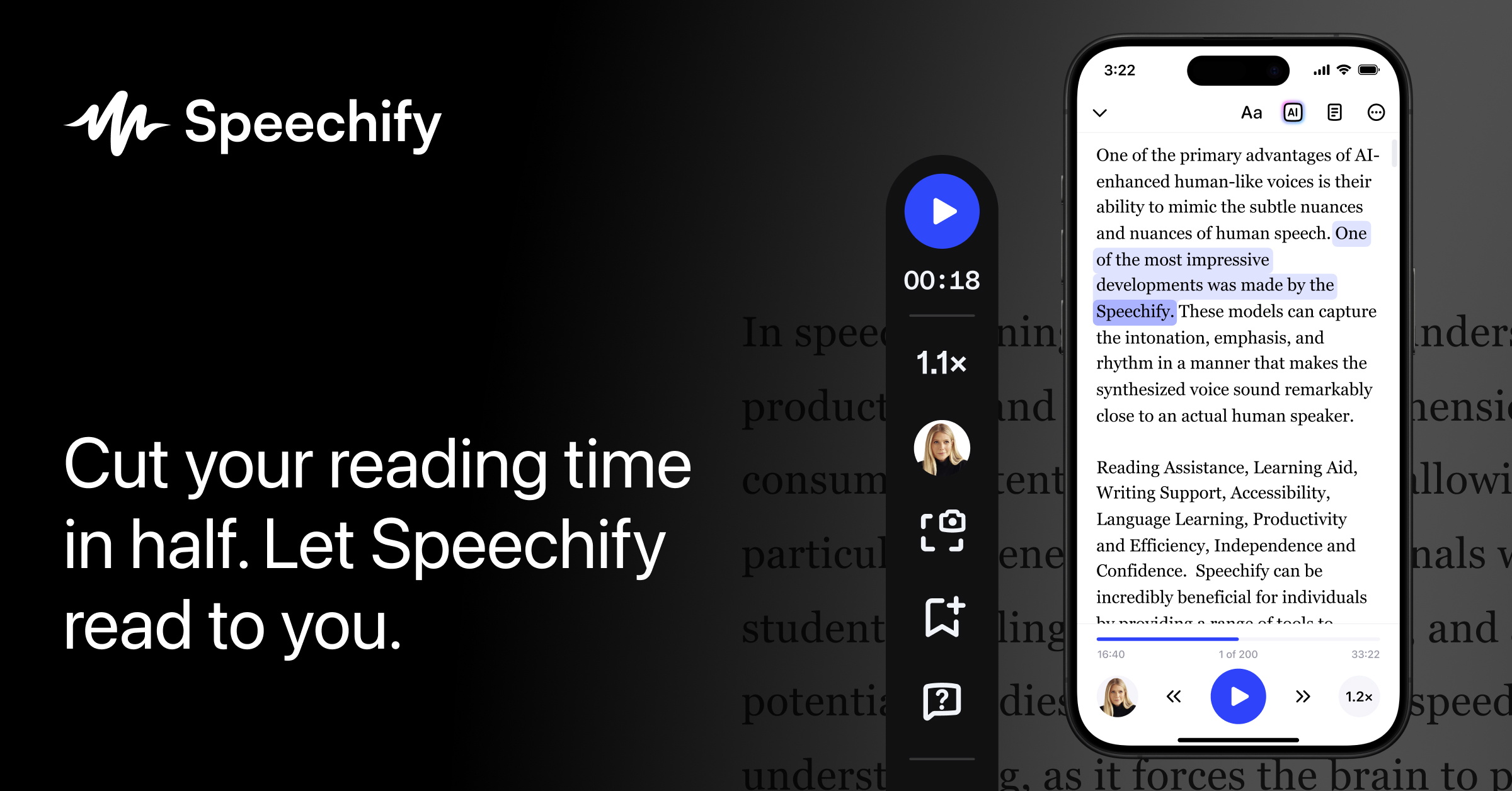
Speechify sells one thing well: natural voices that read anything you throw at them, fast, on every device you own. The buying decision is the billing term, not the product, because the vendor prices Premium so that a year of monthly payments costs more than twice the annual plan.
Anyone who signs up monthly to try it and forgets to switch is the customer Speechify's pricing is built for.
This review prices the web plans and the App Store listing, lists exactly what the free plan withholds, and compares the result with ElevenLabs' free ElevenReader app, Voice Dream Reader, NaturalReader and the reader built into Microsoft Edge.
For the wider category, our best text-to-speech software guide ranks the field, and the best AI voice generators page covers tools that make audio for publishing rather than for listening.
Toolradar data: among the 127 AI voice tools Toolradar evaluated as of October 2026, Speechify is the joint seventh most-listed alternative, so buyers who shop this category compare it against the generators as often as against other readers.
What is Speechify?
Speechify is a text-to-speech reader founded by Cliff Weitzman, who built it around his own dyslexia, and the company says more than 60 million people have used it.
It reads PDFs, web pages, email, scanned paper, Google Drive and Dropbox files and ebooks aloud in a chosen voice at a chosen speed, on iOS, Android, Mac, Windows and through Chrome and Edge extensions. The homepage lists a 2025 Apple Design Award and a Google Chrome Extension of the Year award.
The product has grown past reading. Premium now bundles a Voice AI Assistant that answers questions about the document you are in, AI summaries, voice typing that dictates at up to 160 words a minute, and AI podcasts that turn a text into a two-voice episode.
Speechify Studio, the voice-over and dubbing suite, and the Speechify API are separate products with their own pricing, and this review does not price them. For a reader, the thing you pay for is the voice library, the speed ceiling and the scanning, and everything else is a bonus that may or may not matter to you.
How Speechify works
You install the app or extension, sign in, and press play on whatever is on screen; the mobile app also opens the camera for Scan and Listen, which turns a printed page into audio.
The free tier reads with 10 system-grade voices at up to 1.5x, which is enough to test whether listening suits you and not enough to use daily, because the voices sound flat and the speed ceiling is below where experienced listeners settle.
Premium raises the ceiling to 5x and swaps in the natural voice library, which is the difference you hear in the first minute.
Day to day, the extension handles articles and the mobile app handles documents, with position synced between them. The AI features live inside the player: a summary before you listen, a chat to ask about a section, and the assistant for anything else.
The rough edge is the billing path, not the player. The web pricing page shows a monthly toggle first, and the App Store listing carries several Premium prices at once, so check which plan you are buying before you tap.
Speechify key features
Speechify pricing
Speechify publishes two reader plans on its pricing page, verified October 2026: Free at $0 and Premium at the monthly rate in the table below, or billed yearly at a price the page labels as a 60 percent saving.
The App Store listing in the United States shows a Premium yearly in-app purchase at $139.99 alongside other Premium entries, so the price is the same within a dollar whichever way you buy, but the store listing is harder to read than the web page. Speechify Studio and the API are priced separately and are not covered here.
Monthly billing is the trap. Twelve months at the monthly rate is $348 for the same features the yearly plan sells for far less, a difference of $209, enough to pay for Voice Dream Reader for two and a half years.
The sensible path is the free tier for a week, then the yearly plan if you listened every day, and nothing in between.
Three scenarios show who should pay. A student who listens to two textbook chapters a day and scans paper handouts gets the speed, the scanning and the summaries, and the yearly plan works out to about $11.58 a month.
A commuter who listens to a few articles a week gets the same quality from ElevenReader for free, because the article use case does not need scanning or cloud imports. A writer who wants dictation is buying voice typing at the full Premium price, when a dedicated dictation tool or the one built into the operating system costs nothing.
Against the alternatives, ElevenReader is free on iOS and Android with hundreds of ElevenLabs voices in 32 languages, and ElevenLabs says it will keep a generous free plan when a paid version arrives. Voice Dream Reader is $4.99 a month or $79.99 a year as an in-app purchase on the US App Store, Apple only, with full VoiceOver and braille support.
NaturalReader publishes its plans on its own site, and we could not read a USD figure from here, so check the current price on NaturalReader's site. Microsoft Edge's Read Aloud is built into the browser at no cost, with a handful of voices offline and more online. Prices were checked on each vendor's page or US store listing in October 2026.
| Plan | Price | Best for |
|---|---|---|
| Speechify Free | $0 | 10 robotic voices, up to 1.5x speed, text-to-speech features only |
| Speechify Premium (monthly) | $29/mo | 1,000+ voices, 60+ languages, 5x speed, Scan and Listen, AI summaries |
| Speechify Premium (yearly) | $139/yr | Same Premium features, about $11.58 a month, labeled a 60 percent saving |
| Speechify Premium (US App Store) | $139.99/yr in-app purchase | Yearly Premium bought through Apple; other Premium entries also listed |
| ElevenReader | Free | Hundreds of ElevenLabs voices, 32 languages, iOS and Android |
| Voice Dream Reader (monthly) | $4.99/mo in-app purchase | Apple only, VoiceOver and braille support, offline listening |
| Voice Dream Reader (yearly) | $79.99/yr in-app purchase | Same features, premium voices sold separately |
| NaturalReader | Check the current price on NaturalReader's site | Free tier, personal and commercial plans, web and desktop apps |
| Microsoft Edge Read Aloud | Free | Built into Edge, natural voices online, a few voices offline |
Speechify pros and cons
What we like
- Premium gives 1,000+ natural voices in 60+ languages at up to 5x, the widest voice and speed range among readers.
- Scan and Listen, cloud imports from Drive, Dropbox and OneDrive, and sync across iOS, Android, Mac, Windows and browsers.
- AI summaries, document chat, voice typing and AI podcasts come in the same subscription at no extra charge.
What could be better
- Monthly billing costs $348 a year for what the annual plan sells at a 60 percent discount, the widest monthly-to-yearly gap in this comparison.
- The free plan stops at 1.5x with 10 robotic voices and no scanning, so it cannot stand in for a daily reader.
- The App Store listing shows several Premium prices at once, which makes the in-app purchase easy to get wrong.
Who Speechify is for
Buy Speechify Premium on the yearly plan if you listen to long documents most days, need to scan paper, and move between a phone and a desktop. Students with heavy reading loads, professionals who clear reports on a commute and readers with dyslexia or low vision who want the broadest device coverage are the fit.
The yearly price is fair for a daily habit and poor for an occasional one, and the free tier will tell you which you are within a week.
Skip it if your listening is articles and ebooks on a phone: ElevenReader does that free with better-known voices, and Apple users who want a serious accessibility reader get more document control from Voice Dream for a fraction of the price.
Skip it too if you came for the AI features, because free AI summarizers and NotebookLM cover summaries and audio overviews without a reader subscription.
Creators who want to generate audio for publishing are in the wrong aisle: the ElevenLabs review and ElevenLabs pricing explain the credit plans built for that, and our best AI voice cloning tools guide covers cloning your own voice.
Best Speechify alternatives
If Speechify is not the right fit, these are the closest options.
| Tool | Best for | Starts at | |
|---|---|---|---|
| Speechify | Daily listeners who scan paper and switch between phone and desktop, and will pay yearly. | Premium $29/mo on the web, 60 percent less billed yearly | Visit → |
| ElevenReader | Readers who want top-tier voices on articles, PDFs and ePubs without a subscription. | Free on iOS and Android | Visit → |
| Voice Dream Reader | Apple users who need deep accessibility support and heavy document control. | $4.99/mo or $79.99/yr as an in-app purchase on the US App Store | Visit → |
| NaturalReader | Readers who want a web reader plus a desktop app and may need commercial voice rights later. | Check the current price on NaturalReader's site | Visit → |
| Microsoft Edge Read Aloud | Anyone whose listening is web pages and PDFs opened in the browser. | Free, built into Microsoft Edge on desktop, iOS and Android | Visit → |
The bottom line
Speechify is the reader to buy when you listen every day across several devices and want scanning, cloud imports and the AI extras in one subscription. The verdict hinges on billing: Premium is a fair yearly purchase and a poor monthly one, and the free plan exists to show you the voices, not to serve as a reader. Test free for a week, then buy the year or walk away.
Choose ElevenReader if articles and ebooks on a phone are your whole use case. Choose Voice Dream Reader if you are on Apple devices and accessibility features matter more than AI features.
Choose NaturalReader if you may need commercial rights for the audio, and Edge's Read Aloud if a browser is all you read in.
If your real goal is producing audio rather than consuming it, our best free AI voice generators guide and the voice cloning how-to are the better starting points.
Methodology: we read Speechify's pricing page and homepage, the US App Store listing, ElevenLabs' ElevenReader page, Voice Dream's site and US App Store listing, and Microsoft's Read Aloud page in October 2026, and built the cost comparison from those published figures.
We run no test lab, so nothing here is a hands-on timing, and the category figure comes from the Toolradar directory we operate. Cite this: AIpresso, "Speechify Review 2026", October 2026.
Frequently asked questions
Is Speechify worth it in 2026?
How much does Speechify cost?
What does Speechify Premium include that Free does not?
Does Speechify have a free trial?
Is ElevenReader better than Speechify?
What are the best Speechify alternatives?
Sources
Prices and plan details come from each vendor's own pricing page, re-checked by the Toolradar pricing tracker.
- Speechify pricingchecked Sep 2026
Some offers on this page may be paid placements or contain affiliate links.
Get the AIpresso brief
Free daily newsletter, read in 5 minutes.
Subscribe free